The first Public Alpha
Sylvia GM’s first Public Alpha is available for Windows 11 x64, as an installer or a portable ZIP.
Sylvia is a free app for solo tabletop campaigns with an AI game master. You describe what your character does, and the model handles the narration and roleplay. A separate game engine resolves supported mechanics and keeps the campaign state.
This is a public alpha. If you enjoy experimenting with AI roleplay, agent harnesses or custom tabletop systems, that is the audience for this release. There is plenty here to try, and plenty that still needs work.
Download the Alpha and read the release notes
The campaign is something you can work on
A Sylvia campaign is assembled from three pieces:
- A Ruleset defines the mechanics
- A Campaign Setting defines the world
- A Campaign Plan gives the GM the adventure material
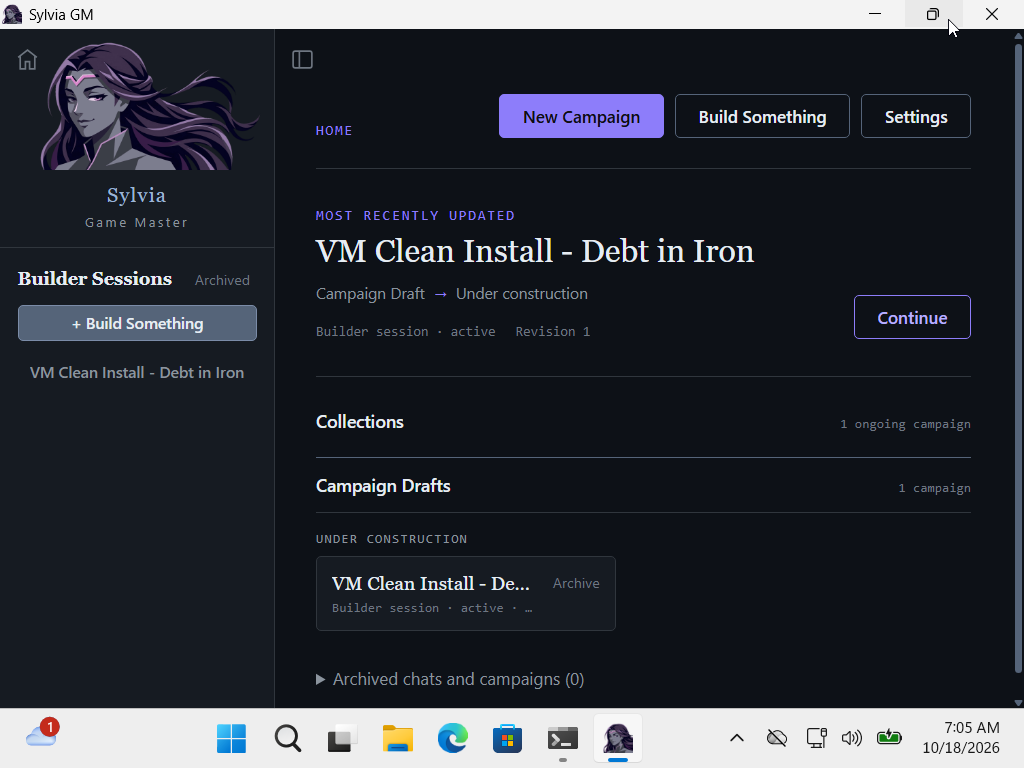
That structure is the part I want people to try. You can play the included material, then use Builder to work on a different setting, adventure, character or set of rules. Builder helps create and refine that content for a compatible campaign. Generated content still needs review and play-testing.
For people interested in the machinery, Sylvia is an agent harness with tools tailored to tabletop play. The model makes decisions about the fiction and asks the engine to resolve supported actions. The engine owns the resulting game state. That gives you something more structured to experiment with when a campaign needs rules, resources and consequences that persist between conversations.
What is in this release
The release includes SRD Lite, based on the D&D SRD 5.2.1, with 117 supported spells. The earlier launch plan was 96 spells; the final Lite roster adds 21 preserved implementations. Consumables remain outside this Lite release.
Severed Lands supplies the included setting and adventures. The launch content set includes 17 Campaign Plans. That is a content count, not a claim that every path through every adventure has been exhaustively tested.
You can save campaigns and return to them, and use GM and Builder conversations to play and work on content. The launch is focused on solo play on Windows 11.
Install the Windows alpha
Version 0.3.0-alpha.1 targets Windows 11 x64. These builds are unsigned and require Microsoft Edge WebView2 Runtime. Windows 10, ARM and other operating systems have not been qualified. Verify the download’s SHA-256 before deciding to run an unsigned build.
The installer uses its normal Windows installation flow. For portable use, extract the entire ZIP into a writable local folder and open Sylvia GM.exe there. Keep the owner sidecar, portable marker and notices together. The marker selects adjacent isolated-data; do not launch the executable inside the ZIP. No Python, Rust or command launcher is needed for these packaged builds.
Open Settings → Packages and install the included SRD Lite package, then configure a compatible model/provider and choose a supplied Plan. Back up campaigns before updates or imports. Moving the portable folder to another Windows account requires entering protected provider credentials again.
Windows installation guide | SHA-256 checksums
Bring your own model
Sylvia itself is free. Model-service charges and subscription limits are separate.
You connect a supported hosted service or an already-running local model server. Results depend on the model’s instruction following and tool use, as well as the content you give it. A connection option does not guarantee that every account or model works.
A ChatGPT account connection requires the supported Codex runtime to be installed separately. Check the release notes for the setup instructions and the connections verified for this release.
Campaigns and reusable content are stored locally. If you use a hosted model, the material sent in a request goes to that provider under its terms and privacy policy.
What to expect from an alpha
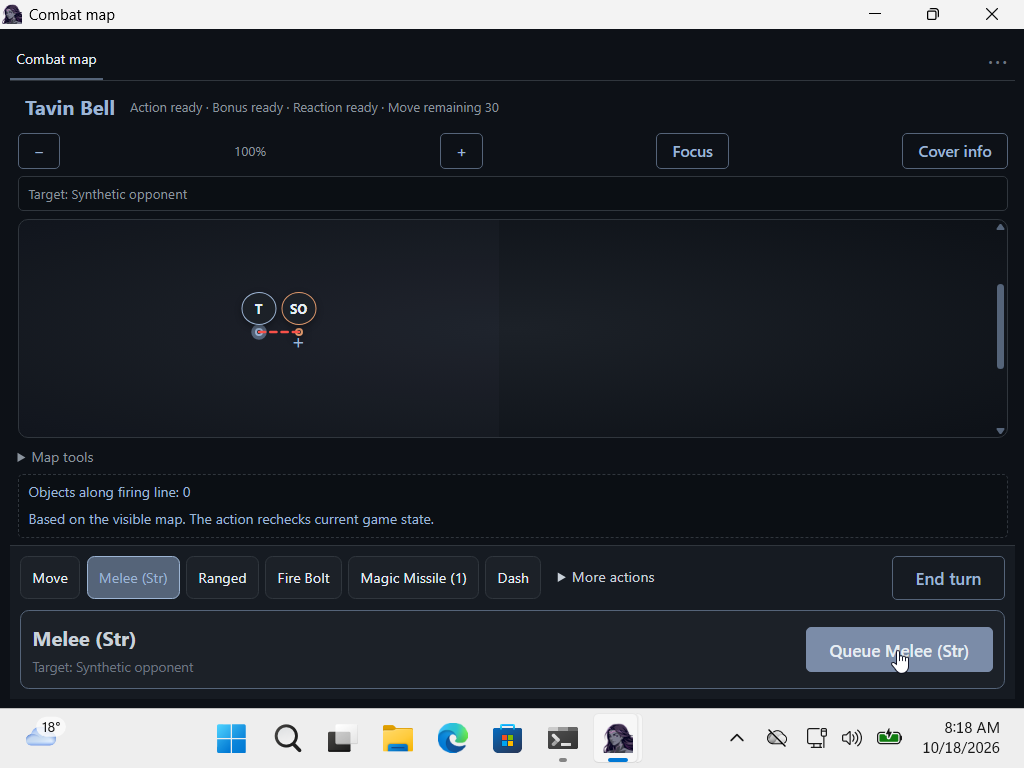
Selected native Windows 11 installation, persistence, recovery and offline mechanics checks passed. Native provider-backed narration was waived, not passed. A context-fitting interruption was observed when closing narration followed a committed action. The saved mechanical result survived reopen; online recovery from that interruption has not been demonstrated. These checks do not establish a complete narrated adventure, every spell, map geometry or provider/model combination.
The interface and everyday workflow still need improvement. Narration can be wrong, custom content can need repair, and model behaviour varies. SRD Lite covers a deliberately limited set of mechanics; it should not be read as complete tabletop rules coverage.
Multiplayer, SRD Full, Sylvia Foundry integration and DM Assistant mode are future directions. They are not included launch features, and this post does not set delivery dates for them. User experience and interface improvements are also part of the work ahead.
If something breaks, a useful report includes the release version, what you were trying to do, what happened, and the steps needed to reproduce it. Remove credentials and private campaign material before sharing logs or screenshots.
Report a problem or share feedback
Builds after launch
My current plan is a weekly build. Ready PRs can be merged as we go, then each weekend the current main branch can be packaged and tested for the next release. That means the source checkout may be ahead of the latest published download. A build still has to pass its release checks; a weekend is not a promise to ship a failing candidate.
Source and licensing
Sylvia’s covered software is source-available under PolyForm Noncommercial 1.0.0 with Sylvia Additional Permissions. These terms were adopted on 16 October 2026, revision 3. Use restrictions apply; this is not an open-source licence.
The additional permissions cover specified creator and community uses, including independently authored content, gameplay recordings and human-led paid GM sessions. Read the actual terms before relying on those permissions. Included content and dependencies retain their applicable licences, and earlier MIT grants are preserved.
Read the source | Base licence | Additional permissions | Scope and preserved grants
Start with the included content, or use it as a way into making your own. The release notes are the place to check installation instructions and current limitations.